
DLX Pro Tips
Your team knows the basics. The features that actually save time on the lane are usually the ones nobody walked them through. DLX Pro Tips are short videos from the people who build and support DealerLogix, each covering one thing your service team can start doing today. Watch on a break, use it that afternoon.
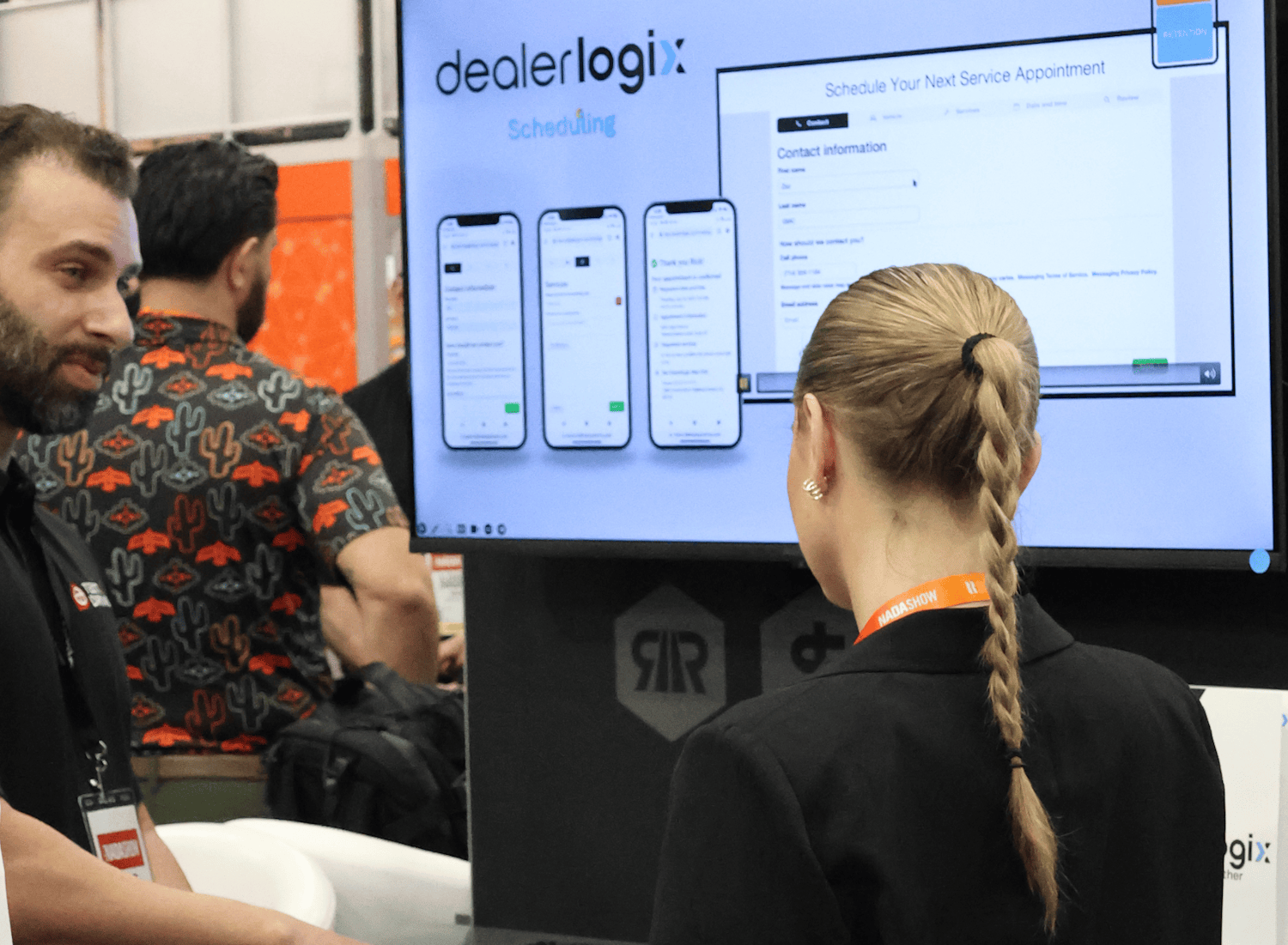
Get more out of Dealerlogix, one tip at a time
We post a new tip every month. Each one takes a job your advisors repeat a dozen times a day and shows the faster path through it, in the real software, in about two minutes. No setup call, no support ticket. Subscribe on YouTube so you catch the next one.
Tip #4: Parts Write Back Is Officially Here
Quoted parts get approved, and then somebody still has to key them into the RO by hand. Parts Writeback handles that for you.
Tip #3: Real-Time Parts Data Right in the Repair Order
Search live DMS parts data by number or description, see stock and billing price right in the dropdown, and add the part without flipping screens.
Tip #2: Your Phone Is Already An Inspection Tool
Scan one QR code to open the inspection on any phone or tablet, then capture photos and video and enter tread depth from where you’re standing. Pit Pass is already included with your account.
Tip #1: Manage Your Own Appointment Schedule
Set daily appointment caps, override the calendar for a holiday or a big sale weekend, and adjust an individual advisor’s hours right from your profile.